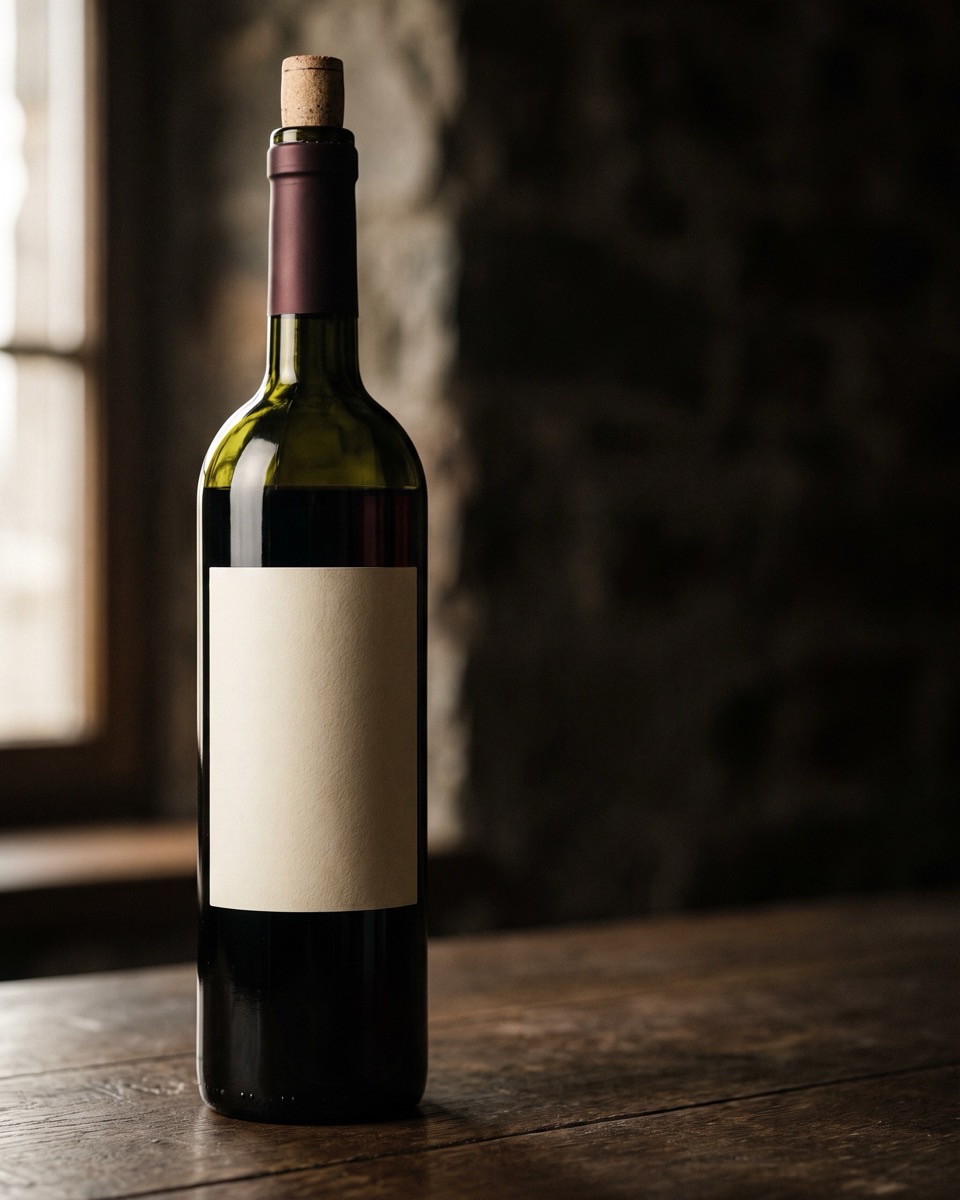
What is this bottle?
Scan the label. Get the producer, vintage, grapes with their share, terroir, tasting notes, serving advice, price range and drink window.
Château Margaux 2015 · Bordeaux · 13.5 %
Learn more AI wine scanner · iPhone · Android · Web
Vino AI reads the label and tells you what is in the bottle: the grapes and their share, region and terroir, how it tastes, the right serving temperature, what to cook with it and what it should cost. In the shop, at the table, in your cellar.
Three ways in
Scan the label. Get the producer, vintage, grapes with their share, terroir, tasting notes, serving advice, price range and drink window.
Photograph the dish instead. You get three wines that fit it, with the region and the reason each one works.
Ask the sommelier anything about the wine you just scanned: ageing, glassware, better vintages, a cheaper bottle in the same style.
Your cellar, on every screen
Sign in once and your scans, favorites and cellar follow you from the phone to the web app. Bottle counts, notes and the sommelier conversations included. A free account is also the backup that keeps every scan safe if you switch phones.
 web appVino AI
Food to wine
Switch the camera to food mode and point it at the dish or the menu. The sommelier ranks three wines for exactly what is on the table and explains why each one works.
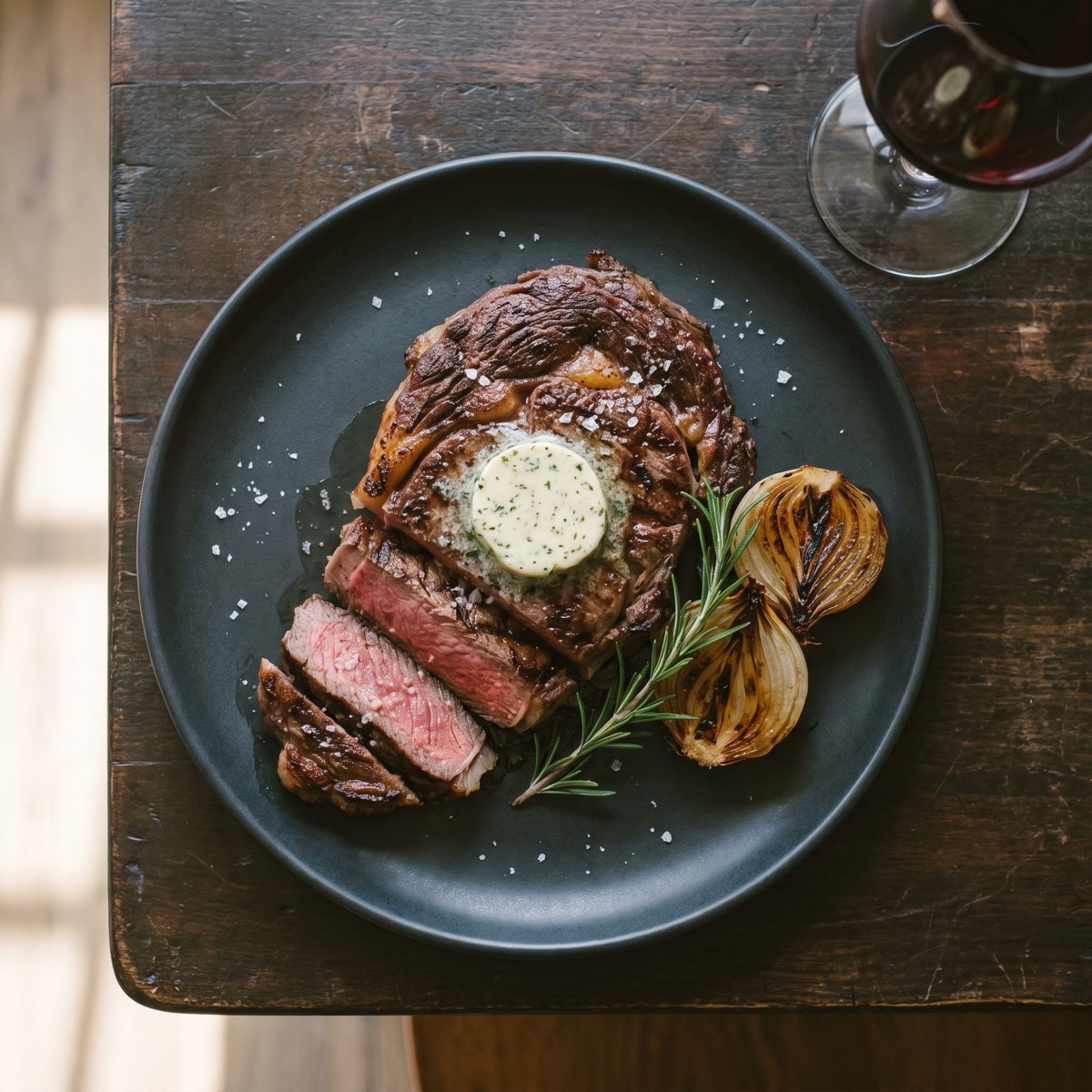
Bold tannins cut through the fat and echo the char.
Smoky notes mirror the grill marks, velvety texture.
Earthy complexity with enough body for red meat.
What a scan gives you
Ask the sommelier
Every scan opens a conversation. Ask about vintages, glassware, ageing or a cheaper bottle in the same style. Answers come back in the language you scan in.
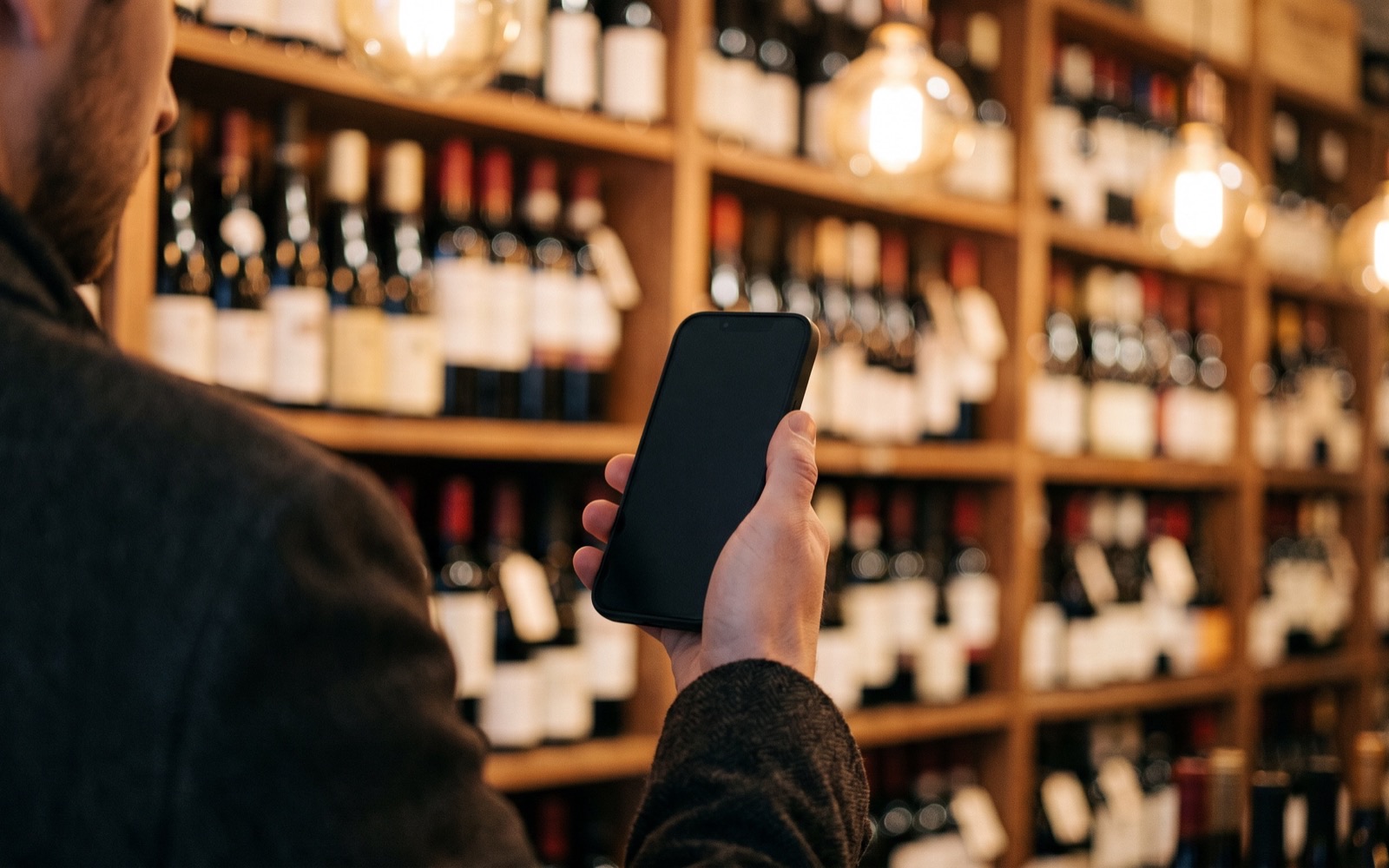
In real life


The honest comparison
Ratings apps are great at crowd opinions. Vino AI is built for the questions that come after: what does it taste like, what do I cook, is this the right bottle for tonight.
| Standing in front of the shelf | Vino AI: Wine Scanner | Ratings apps | Guessing |
|---|---|---|---|
| Identify the bottle | Scan the label | Scan the label | Read the label |
| How it tastes | Tasting profile for any label | Community notes, if any | Find out at home |
| What to eat with it | Built around your actual dish | Generic categories | Rules of thumb |
| Follow-up questions | Ask the sommelier anything | No chat | Search the web |
| Crowd ratings and prices | Not the focus | Millions of ratings | The shelf tag |
Want the long version? Read Vino AI vs Vivino or the best wine apps roundup.
Pricing
Two scans are free so you can test it on a bottle you know. Premium opens unlimited scans, unlimited sommelier questions, the full cellar and your complete history, on the phone and on the web.
Web pricing. The iPhone and Android apps offer their own in-app plans. One account is premium everywhere, however you subscribed.
FAQ
Free tools
Five small tools for the questions that come up every week: what to pour with dinner, how many bottles to buy, whether the open one is still fine.
Pick a dish, see the wine styles that match and why
OpenCalories in a glass or a bottle, by style and serving
OpenThe right temperature and fridge time for every style
OpenHow many bottles to buy, with a red/white/sparkling mix
OpenIs that bottle you opened days ago still good?
OpenLearn
Grapes, tasting, reading labels and pairing, written to be useful whether or not you ever install the app.
 Wine Basics
Learn how to spot common wine faults, from cork taint and oxidation to reduction and volatile acidity, and decide when a bottle is flawed or distinctive.
Read Wine Basics
Learn what makes wine vegan, which fining agents to watch for, how labels work, and how to choose vegan bottles with confidence at restaurants and shops.
Read Food Pairing
Discover how to pair wine with chocolate like a pro. From dark to white chocolate, learn which wines complement every type for a perfect tasting experience.
Read Wine Basics
Discover the key differences between Old World and New World wines — from flavor profiles and winemaking styles to regions and food pairings. Beginner-friendly guide.
Read